


PortNest.
The 10Gbps Type-C data bridge.
Seven ports on a 10Gbps bus. Twice the ceiling of the hub you own.
Plug. Power. Work.
One head fits both laptops. A power input for the drives. Seven devices at once.
Where PortNest earns its place
Bandwidth, ports and power, wherever you open the laptop.
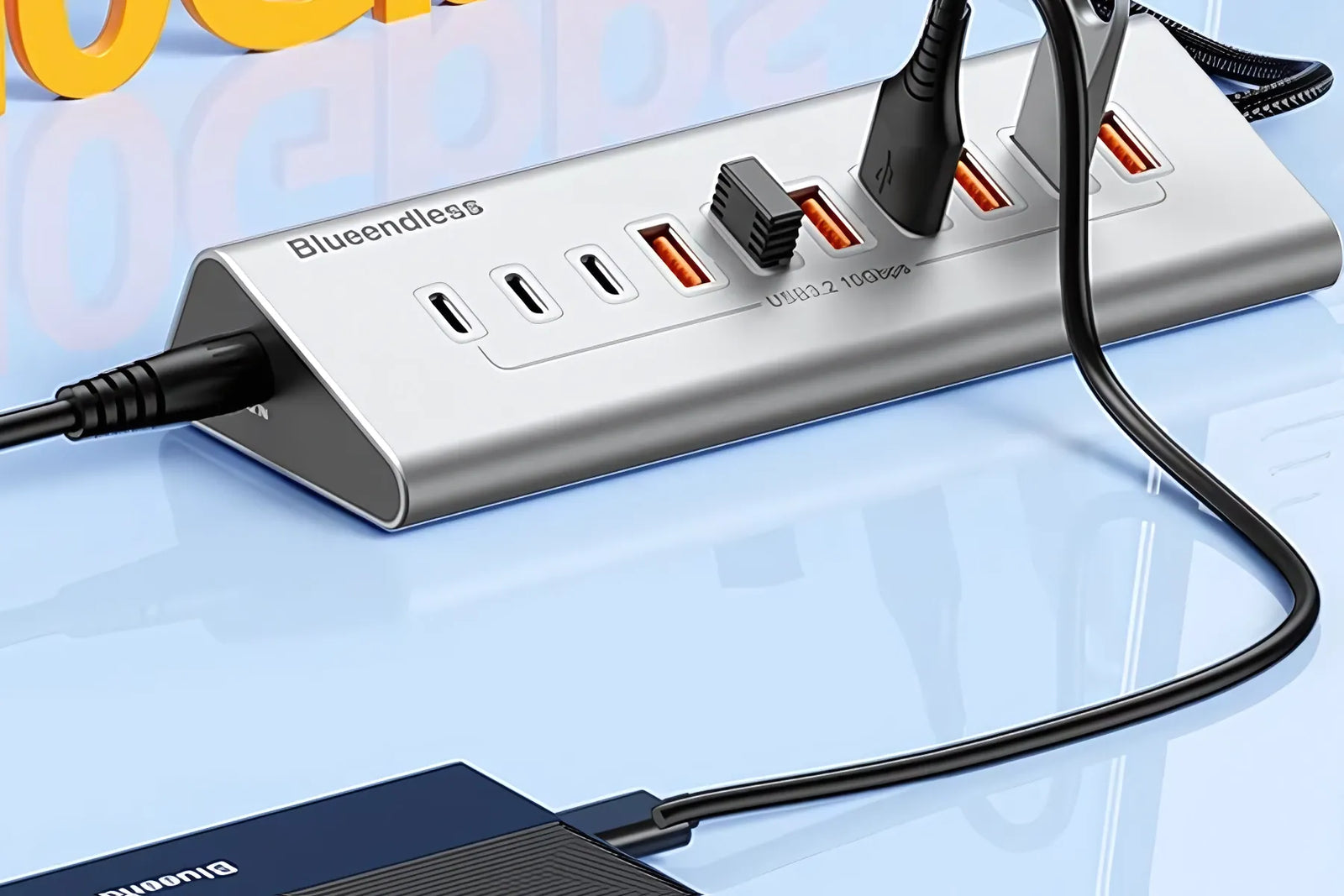
Pull 100GB of footage off an NVMe drive without the transfer stalling at 40%.
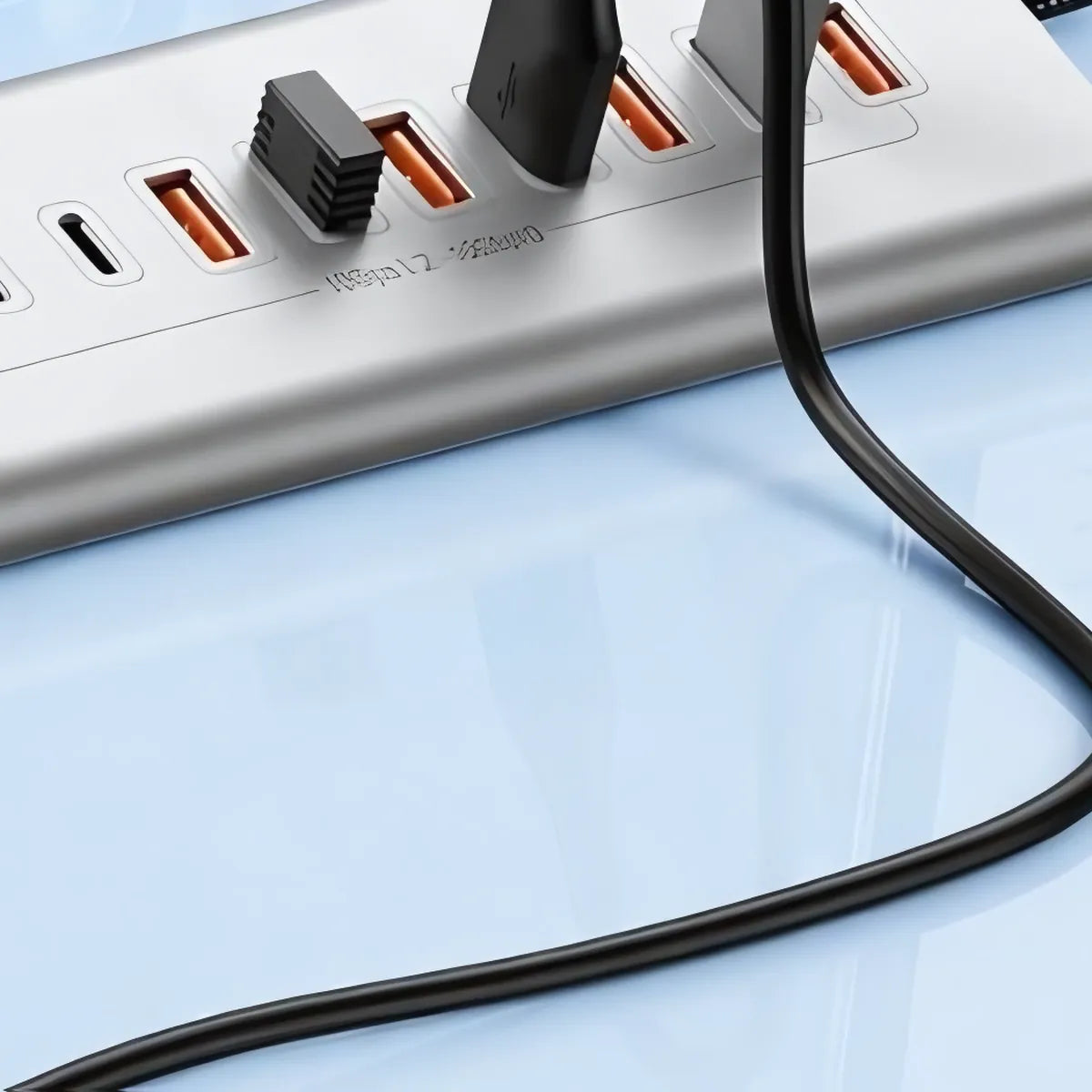
10Gbps combined bus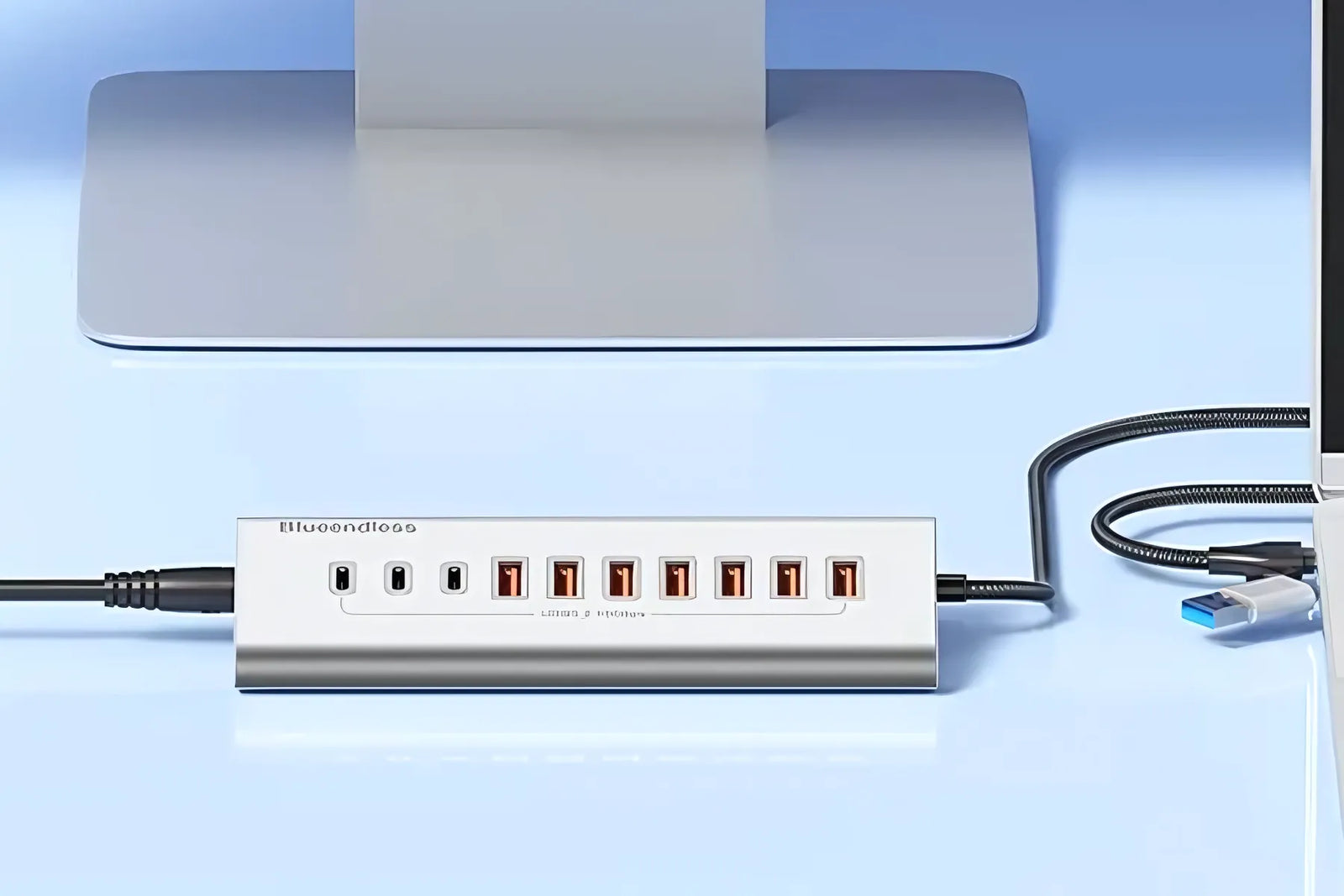
Office ThinkPad on USB-A, personal MacBook on USB-C, same hub, same desk.
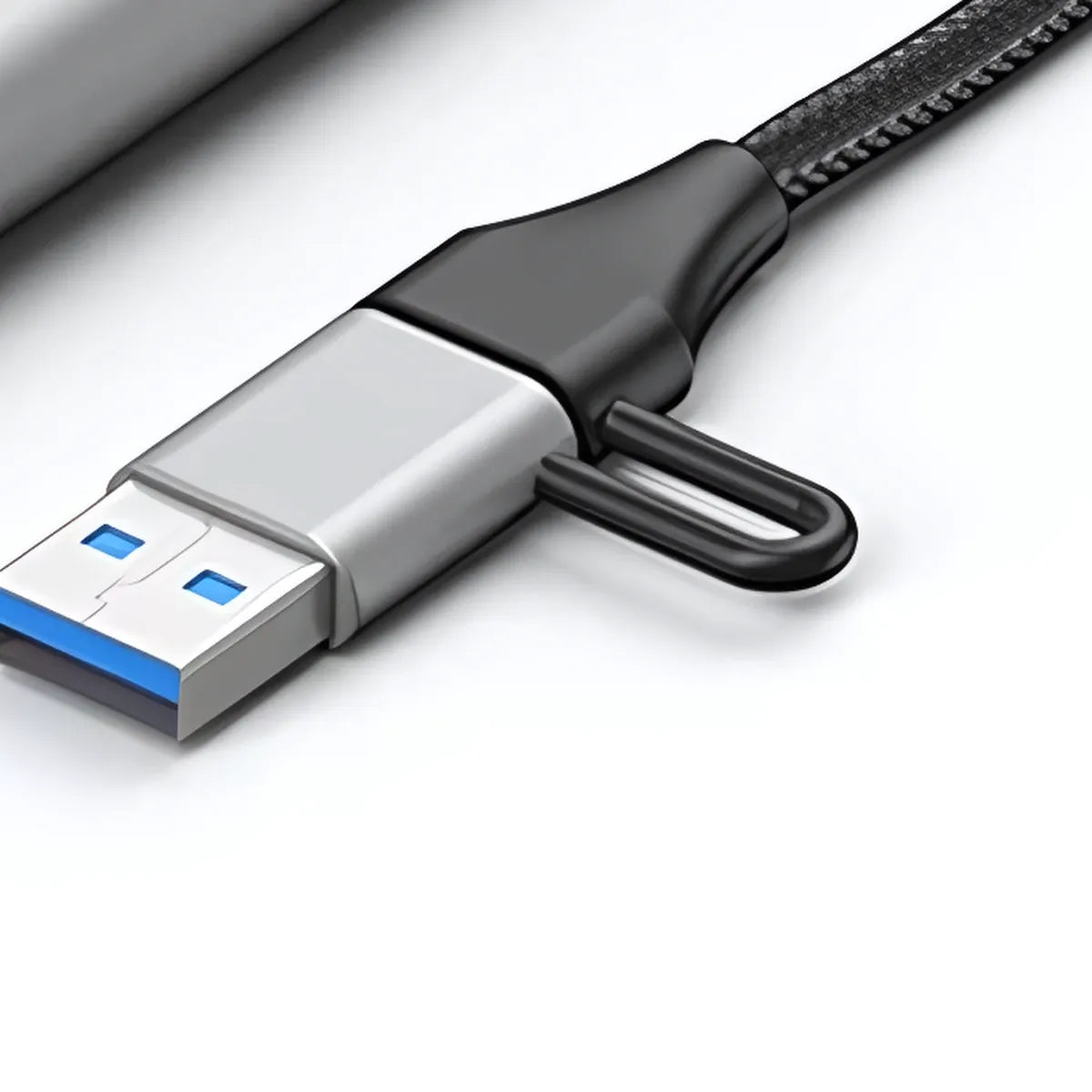
One head fits both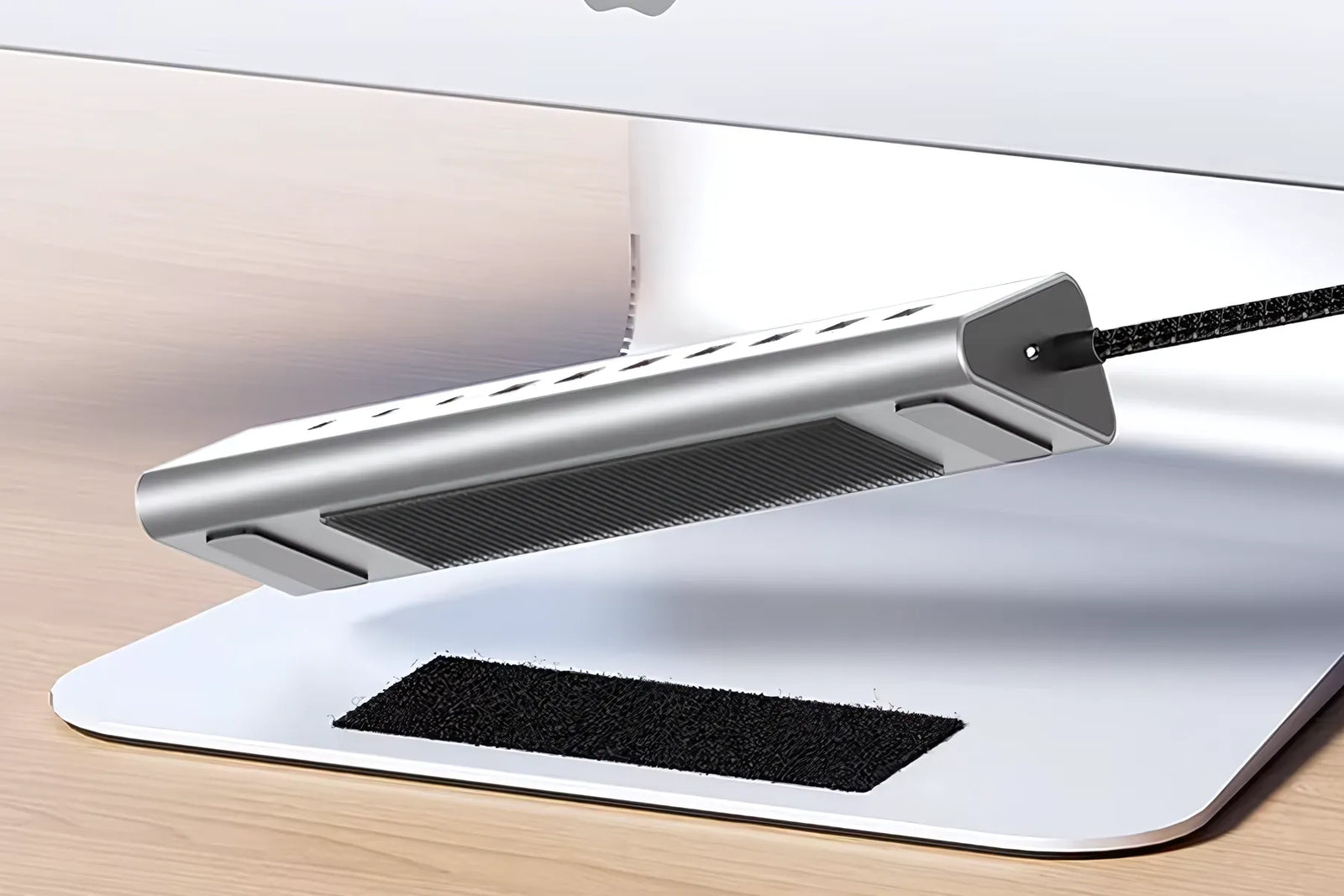
The 1 m cable puts your receiver on the desk, not behind the tower. Line of sight fixes dropouts.
1 m cable, receiver at desk level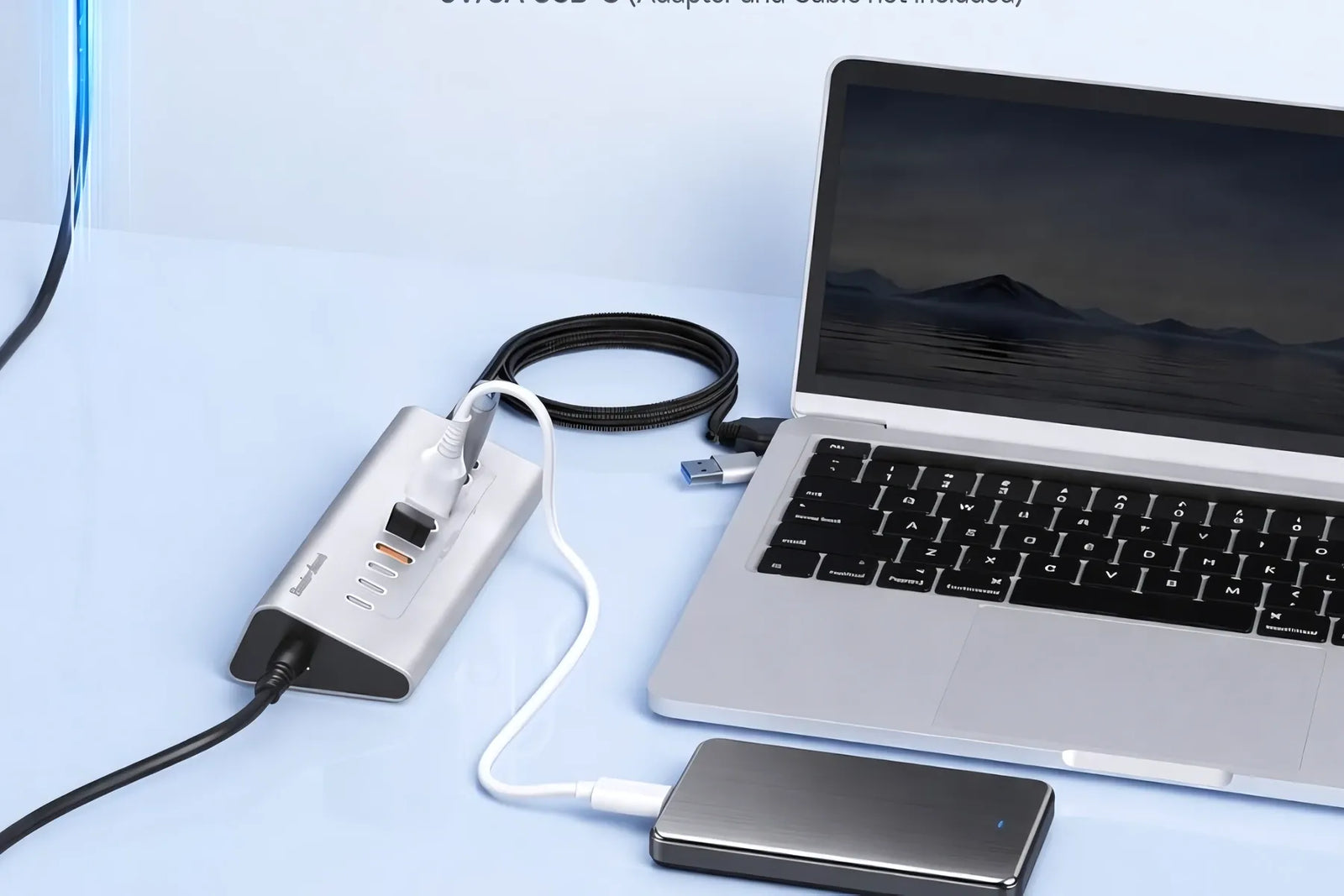
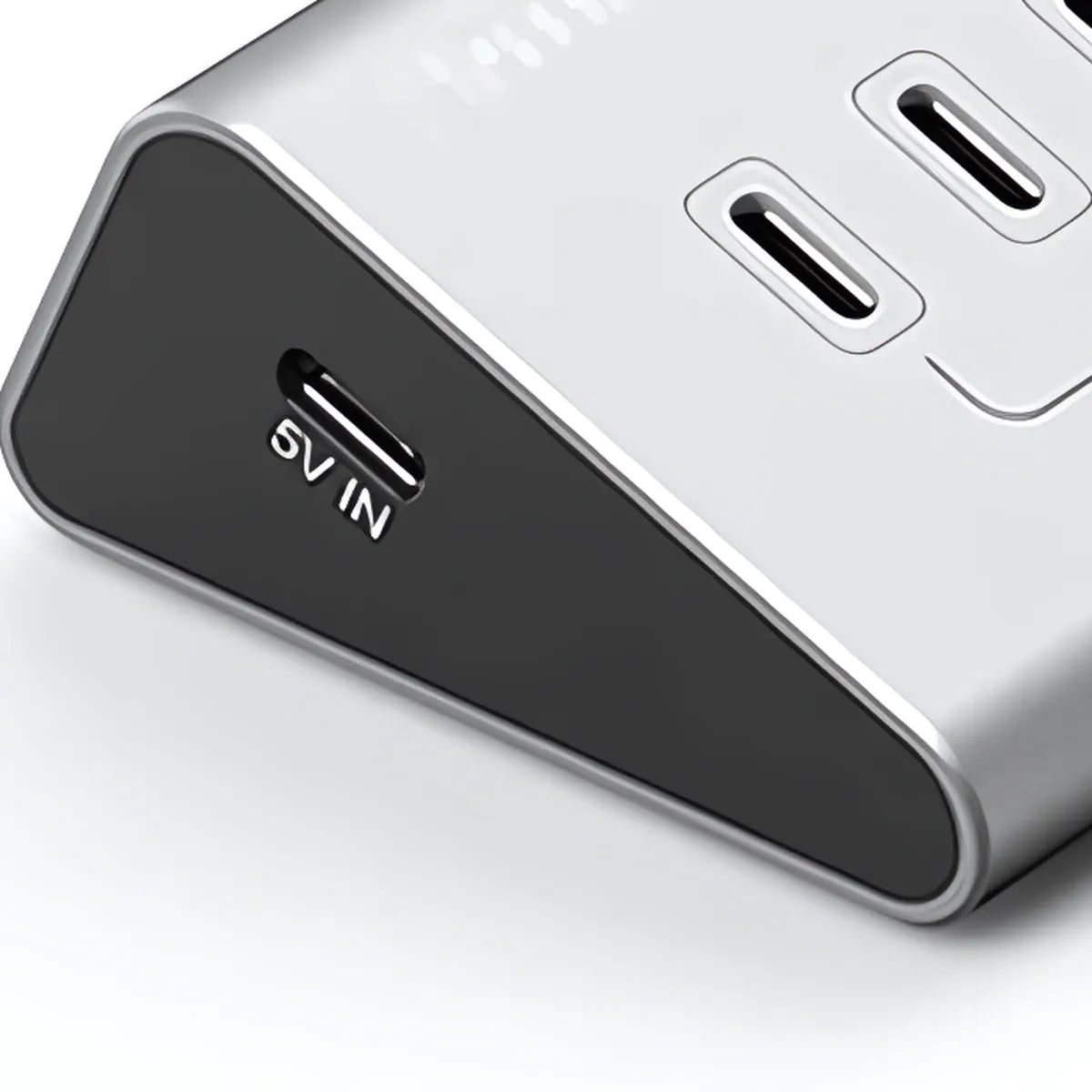
Feed the 5V/3A input from a 15W USB-C charger and mechanical drives spin up instead of clicking.
5V/3A input · charger not includedYour hub is the bottleneck, not your drive
Three failures every ₹999 hub owner knows, and not one of them is the drive's fault.
Connect an SSD and a webcam together and the pipeline fragments.
A laptop port often cannot spin a mechanical drive through an unpowered hub.
Trapped heat degrades cheap controllers until the ports stop holding.
You do not have a port problem. You have a bandwidth problem.
PortNest vs the ₹999 hub
Same seven ports. Different bandwidth, different power, different lifespan.
30-day replacement · COD · Free shipping across India
What Indian desks are saying

“Copying a 60GB project off my NVMe drive used to mean a coffee break. Now it finishes before the kettle boils. The speed is real.”

“Three USB-C ports is the whole reason I bought it. Every other hub hands you one and expects you to live with a bag of dongles.”

“The USB-A cap sits on a loop so it cannot get lost. Sounds trivial. After misplacing two dongles last year it decided the purchase.”

“The Type-C power input is why I picked this one. Ran a 20W charger into it and both my drives stopped dropping out.”

“Solid aluminium instead of the flexing plastic thing it replaced. Gets warm after a long session, never hot enough to worry about.”

“Does everything it claims on data. Be clear it carries no video, so a second monitor is not happening. My misread, not their listing.”

“Two external drives running at once and neither drops. The 5Gbps hub before this managed one, and even that was on a good day.”

“Wireless receiver goes in the front port and the pointer stopped stuttering. On the old hub it used to freeze every few minutes.”

“Bought a ₹899 hub first. It died in five weeks and took a pen drive with it. This one runs eight hours a day without a hiccup.”

“MacBook Air with two ports was the whole problem. The hub lives on the desk now and one cable carries everything I plug in.”

“One metre of cable is exactly right. Tower sits under the desk and the hub reaches the top without stretching or coiling slack.”

“Fine on its own for keyboards and pen drives. Bus-powered drives do want a charger in the power input, which the listing says.”

“Card reader, tether cable and two drives all live in it. Offloading a shoot is one plug instead of groping behind the monitor.”

“Four dongles used to hang off the office laptop. All gone. One hub, seven things, and the desk finally looks like a desk again.”

“Ordered Monday, arrived Saturday, COD exactly as promised. Packed properly too, the hub was not rattling around inside.”
Questions before you buy
The ₹999 hub shares one 5Gbps ceiling across every port, has no USB-C and no power input at all. PortNest runs a 10Gbps combined bus, three native USB-C 3.2 Gen2 ports, and a 5V/3A Type-C power input.
No, and any seller who says so is wrong. 10Gbps is the combined bus shared across all seven ports. That is double the 5Gbps ceiling of a standard USB 3.0 hub, which is why several drives can run at once without dropping.
No. PortNest is a data bridge, not a docking station. There is no HDMI and no DisplayPort, and the three USB-C ports carry data only. If you need video output, buy a dock instead.
Yes, with a 15W or better USB-C charger in the Type-C input. A mechanical drive needs more power than a laptop port alone can supply through a hub. The charger and the C-to-C cable are not in the box.
Yes. The cable ends in a USB-C plug with a USB-A cap tethered to it, so it plugs into either. Slide the cap on for a USB-A laptop, off for USB-C. On a USB-A port, speed is limited by that port.
Ships in 24 hours from our Indian warehouse. Metros in 3-4 days, rest of India in 5-7. COD available. 30-day free replacement on damaged items, WhatsApp us a photo and a new one goes out.
